Learning how to erase a hard drive securely is about more than just hitting 'delete'—it's about ensuring your business's sensitive data is completely unrecoverable. For any enterprise, this process is a critical component of IT asset disposition (ITAD). The decision typically comes down to two primary methods: certified software wiping for drives intended for reuse or resale, and physical destruction, such as shredding, for end-of-life hardware or drives containing highly sensitive information. Making the right choice is crucial for maintaining data security, ensuring regulatory compliance, and protecting your company’s reputation.
Why Properly Erasing a Hard Drive Is a Business Imperative
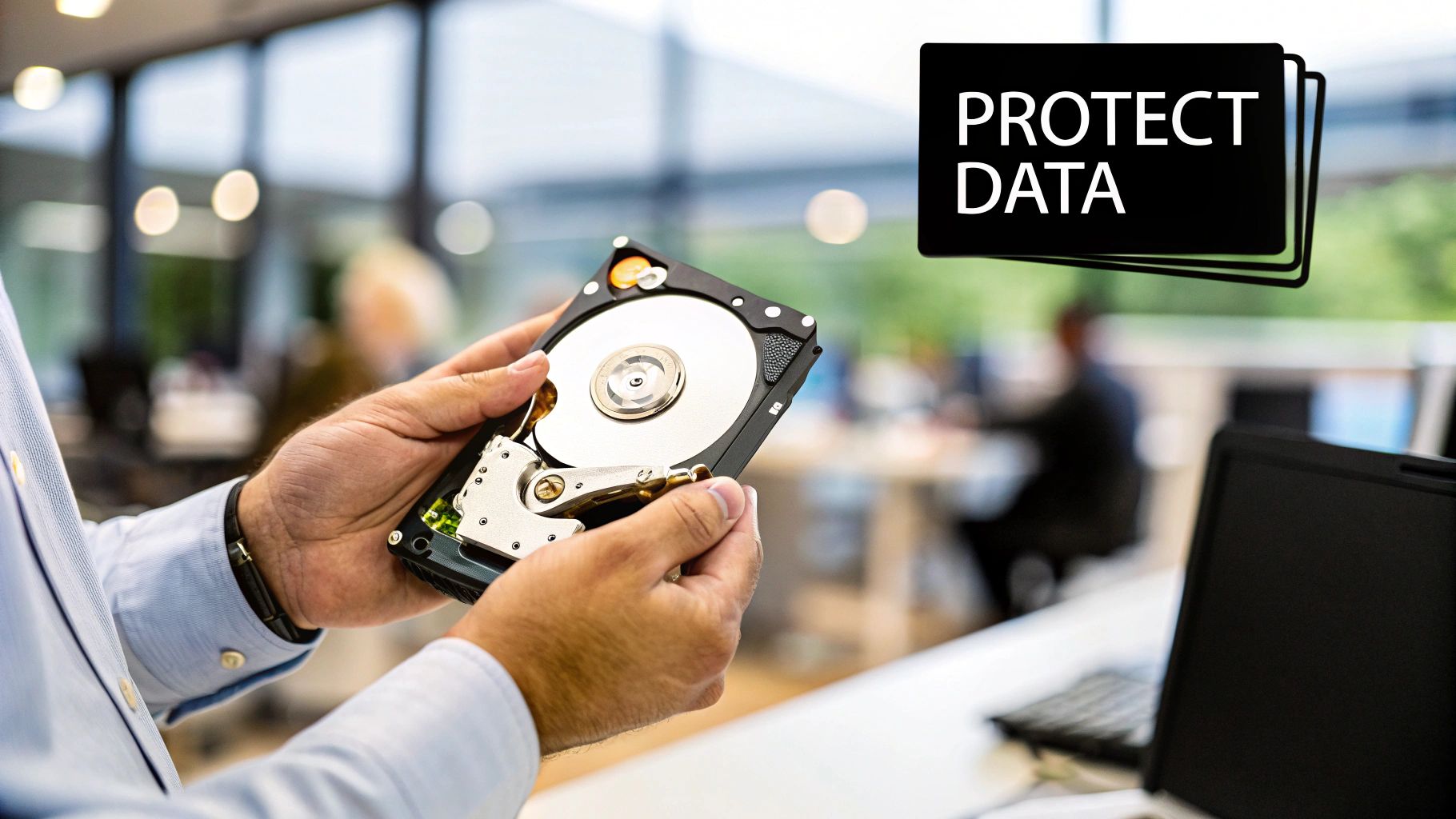
Treating hard drive disposal as a routine IT cleanup task is a significant risk for any business. It is a core component of your organization's risk management and data security strategy. Every server, laptop, and desktop computer being decommissioned contains a detailed history of your business operations. Failing to permanently sanitize that data leaves the door wide open for security breaches and regulatory non-compliance.
A simple file deletion or drive format does not actually erase data. These actions merely remove the pointers to the data, leaving the files themselves on the drive, easily recoverable with widely available software. The first step for any IT manager or business owner is understanding this risk. Many are shocked to learn how easily deleted files can be recovered, and this knowledge gap can lead to catastrophic consequences. Improperly sanitized hard drives have been the cause of major corporate data breaches, resulting in significant financial losses, damaged reputations, and severe regulatory penalties.
The Sensitive Data Lurking on Your Drives
Corporate hard drives are repositories of confidential information. Even a standard administrative workstation can accumulate a vast amount of sensitive data over its operational lifespan. Failing to properly erase these drives before they leave your company's possession is equivalent to handing over critical business intelligence.
Consider the types of data commonly stored on your business's IT assets:
- Personally Identifiable Information (PII): Social Security numbers, addresses, and birth dates for employees and customers.
- Protected Health Information (PHI): Medical records and patient data subject to strict HIPAA regulations.
- Financial Records: Corporate financial statements, customer payment information, and banking details.
- Intellectual Property (IP): Proprietary designs, trade secrets, software source code, and strategic business plans.
- Login Credentials: Cached passwords and access keys that could grant unauthorized entry into corporate networks and cloud services.
A single, improperly sanitized hard drive can contain enough data to compromise your entire network, expose customer information, and place your business in violation of multiple state and federal data protection laws.
The High Cost of Non-Compliance
Government and industry regulators enforce strict rules for data disposal, and ignorance of these regulations is not a viable defense. The Federal Trade Commission (FTC) Disposal Rule, for example, legally mandates that businesses take "reasonable measures" to protect against unauthorized access to consumer information. Similarly, stringent requirements are enforced under HIPAA for the healthcare sector and the Gramm-Leach-Bliley Act (GLBA) for financial institutions.
Non-compliance can lead to fines reaching millions of dollars, in addition to the costs of litigation and mandatory breach notifications. This is why engaging professional, certified data destruction services is not just a best practice—it is a non-negotiable requirement for any responsible business.
Properly managing your end-of-life IT assets is a direct investment in your company's security and longevity. You can learn more about how to protect your company from data breaches with secure data destruction practices and understand why it is a critical component of modern business operations.
Using Software to Wipe Hard Drives You Plan to Reuse
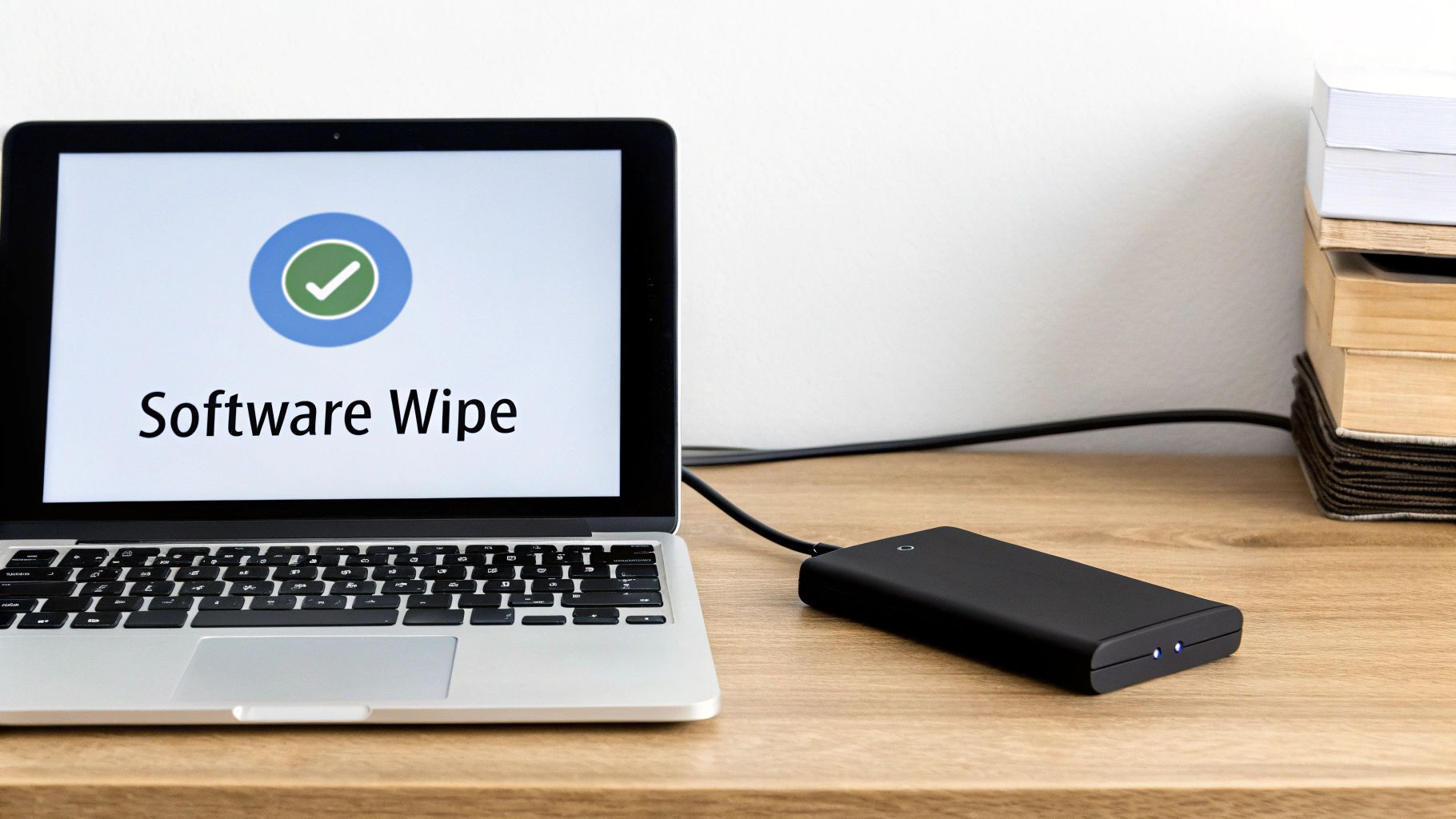
When your business plans to redeploy, sell, or donate used IT hardware, physical destruction is not a viable option. In these scenarios, a software-based data wipe is absolutely essential. It is the only method to completely sanitize all data while preserving the hard drive's functionality for future use.
A common misconception is that a quick format or deleting files is sufficient. This is a critical error. These actions only remove the pointers to the data, leaving the actual information intact and recoverable with basic software tools.
A professional software wipe, or data sanitization, is fundamentally different. It methodically overwrites every sector of the drive with random characters, effectively destroying the original data. This process ensures that sensitive corporate information is permanently gone before a device leaves your control.
Why Data Sanitization Standards Matter
To guarantee a drive is truly sanitized, the process must adhere to established data sanitization standards. These are not mere suggestions; they are specific, proven methodologies that dictate how data must be overwritten to be considered unrecoverable. In the professional ITAD industry, the two most recognized standards are DoD 5220.22-M and NIST 800-88.
Understanding these standards is crucial for IT managers, as they directly impact your organization's security posture and compliance with data protection regulations.
Comparing Data Erasure Software Standards
To assist in selecting the appropriate method, here is a breakdown of the most common data sanitization standards used in professional IT asset disposition for businesses.
| Standard | Methodology | Security Level | Best For |
|---|---|---|---|
| DoD 5220.22-M | An older, multi-pass method. Typically involves three passes: writing zeros, then ones, then random data. | High | Legacy systems or meeting older compliance requirements. Often considered overkill for modern drives. |
| NIST 800-88 Clear | A single-pass overwrite using logical techniques. Overwrites data with a new value, like all zeros. | Medium | Most commercial applications where the device will remain within the organization. |
| NIST 800-88 Purge | A more advanced method that overwrites data at the physical level, often using ATA Secure Erase. | Very High | Devices containing highly sensitive data that will be leaving the organization's direct control. |
Understanding these differences ensures you meet security obligations without wasting resources on unnecessary processes. For a more detailed explanation, refer to our complete guide on the NIST SP 800-88 guidelines for media sanitization.
For most business applications today, a single overwrite pass that meets the NIST 800-88 Clear or Purge standard is sufficient to render data unrecoverable. The older DoD multi-pass methods are more time-consuming and generally unnecessary for modern hard drives.
Picking the Right Wiping Tools
The data erasure software market is a critical segment of corporate data security. Valued at approximately $1 billion in 2023, the market is projected to grow by about 12% annually through 2030, driven by strict data privacy regulations like GDPR. More details on global trends in the data erasure software market are available for review.
For any business, selecting the right tool is a significant decision. While operating systems include basic disk utilities, these are inadequate for enterprise compliance as they lack the necessary verification and reporting features.
Professional, commercial-grade software provides key advantages:
- Compliance with Standards: These tools are designed to meet specific standards like NIST 800-88 and allow for the selection of the appropriate wiping algorithm.
- Automated Verification: They automatically verify the entire drive post-wipe to confirm that the process was successful and no data remains.
- Official Certification: They generate tamper-proof certificates for each drive, detailing its serial number, the wipe method used, and the date of completion, creating an essential audit trail.
Don't Skip the Verification and Certification
Simply running a wipe program is insufficient. You must be able to prove the data is gone. The final and most critical step is generating a certificate of erasure. This document serves as your official, legally defensible record that a specific hard drive was properly sanitized.
This certificate is your proof of due diligence. In the event of an audit or a data breach investigation, this documentation demonstrates that you took verifiable measures to protect sensitive information. Without it, you cannot effectively defend your actions or prove you met your obligations under regulations like the FTC Disposal Rule.
When Physical Destruction Is the Only Secure Option
While software-based wiping is an effective strategy for recovering value from reusable IT assets, there are circumstances where it is not sufficient. Physical destruction then becomes the only method to guarantee that data is permanently eliminated.
When a hard drive is at its end-of-life, physically damaged, or contains extremely sensitive information such as classified government data or core intellectual property, no risks can be taken. The objective shifts from data sanitization to complete data elimination.
Degaussing: The Magnetic Kill Switch
One of the most effective methods for permanent data removal is degaussing. This process utilizes a specialized machine to subject the hard drive to a powerful magnetic field, which instantly and completely neutralizes the magnetic platters where data is stored.
Data on a hard drive is arranged in a precise magnetic pattern. A degausser generates a magnetic force that disrupts this pattern, rendering the drive blank and unreadable.
The result is a permanently inoperable drive. The intense magnetic pulse typically damages the internal read/write heads, and the data is irretrievably lost, making this a preferred method for high-security commercial and government environments.
Industrial Shredding: The Ultimate Failsafe
For the highest level of security and absolute certainty, nothing surpasses industrial shredding. This process involves feeding hard drives into a powerful shredder that grinds them into small, mangled pieces of metal and plastic.
Data recovery from a shredded drive is impossible. Once a drive's platters are pulverized into fragments, reassembly or data extraction is physically unachievable. This is the definitive end-of-life solution for any storage device.
The demand for this level of security is growing rapidly. The global hard drive destruction service market was valued at approximately $1.65 billion in 2024 and is projected to reach an estimated $5.05 billion by 2035. This growth is driven by increasing data volumes and stringent government regulations demanding absolute data protection. You can explore more insights into the hard drive destruction service market to understand the importance of this service for businesses.
On-Site vs. Off-Site Shredding: Which Is Right for You?
Once the decision to shred is made, the next consideration is the location. Both on-site and off-site shredding services are available, each catering to different business needs.
On-Site Shredding
- Total Transparency: A mobile shredding truck comes to your business location, allowing you to witness the entire destruction process.
- Unbroken Chain of Custody: Your drives never leave your sight until they are destroyed, eliminating transit risk entirely.
- Instant Proof: A certificate of destruction is provided immediately upon completion, offering instant documentation for compliance records.
Off-Site Shredding
- Cost-Effective: Typically the more budget-friendly option for large quantities, as it avoids the logistics of dispatching a mobile shredding unit.
- Convenient: Your ITAD partner manages all logistics, picking up your drives in secure, locked containers and transporting them to their secure facility for destruction.
- Complete Documentation: You still receive a detailed certificate of destruction and a full audit trail, ensuring a secure and compliant process from start to finish.
The choice between on-site and off-site shredding depends on balancing your security requirements, budget, and logistical needs. For businesses in highly regulated sectors like finance, healthcare, or government, the absolute assurance provided by on-site shredding often makes it the required option.
Regardless of the chosen method, working with a certified provider is essential. Professional services ensure the entire process adheres to industry standards and provides the necessary documentation to prove compliance. To determine the best fit for your business, it is beneficial to learn about the specifics of a secure hard drive destruction service and how it aligns with your corporate risk policies. Ultimately, physical destruction provides an irreversible solution, guaranteeing your sensitive business information remains secure.
Wiping vs. Shredding Your Hard Drives: Making the Right Call
Choosing between software wiping and physical shredding is a strategic business decision, not merely a technical one. The correct choice depends on the asset's future use, the sensitivity of the data it contains, and your company's risk tolerance. A well-defined data disposition policy is essential to eliminate guesswork and ensure every drive is handled correctly.
The primary consideration is the asset's lifecycle. Is the hardware still functional and holds residual value, or is it obsolete and destined for recycling? Answering this question will guide your decision.
Asset Value and Future Use
If your business is conducting a technology refresh and upgrading a fleet of laptops that are only a few years old, those assets likely have significant residual value. In this scenario, software wiping is the optimal choice.
By employing a certified data erasure method that meets NIST 800-88 standards, you can completely sanitize the hard drives, making them safe for resale, internal redeployment, or donation. This approach focuses on maximizing your return on investment (ROI) by extending the life of functional hardware.
Conversely, if you are decommissioning a server that has been in operation for a decade with failing drives or an obsolete architecture, there is no resale value to preserve. In this case, physical destruction is the most practical and secure solution. It is not cost-effective to spend resources wiping a worthless, non-functional drive. Shredding ensures the data is irrecoverable and allows the raw materials to be responsibly recycled.
Data Sensitivity and Compliance Mandates
Next, you must assess the type of data stored on the drive. While all business data is sensitive, certain information carries a much higher risk if compromised.
Consider these common business scenarios:
- Standard Employee Workstations: Laptops and desktops used for daily operations typically contain business documents and emails. A certified software wipe is almost always sufficient to protect this data and meet compliance requirements.
- Drives with Intellectual Property (IP): A server holding trade secrets, R&D data, or proprietary source code presents a much higher risk. Many businesses choose on-site shredding for these assets to gain an additional layer of security and eliminate any possibility of data recovery.
- Healthcare or Financial Data: Hard drives from hospitals or financial institutions are often governed by strict regulations like HIPAA or GLBA. For these industries, physical destruction is frequently a mandatory policy to ensure compliance and avoid catastrophic fines.
This decision-tree infographic helps visualize the key questions your business should be asking.
As the chart illustrates, the decision often comes down to this: if a drive is physically broken or contains mission-critical, highly sensitive data, shredding should be your default choice for maximum security.
Budget and Logistical Considerations
Finally, practical considerations of cost and logistics must be addressed. Software wiping can often be performed in large batches, which can reduce the per-unit cost compared to physical destruction. However, businesses must also account for the labor and time required from their internal IT teams.
On-site shredding, while potentially having a higher initial cost, offers unparalleled peace of mind. It provides an unbroken chain of custody, and for many organizations, witnessing the destruction of drives is a worthwhile investment in security.
Ultimately, the goal is to implement a logical, risk-based data disposition policy that is effective for your organization. For a more in-depth look at the mechanics and security advantages of physical destruction, our guide on everything you need to know about hard drive shredding and why it works provides comprehensive details.
By carefully evaluating asset value, data sensitivity, and budget, your business can establish a process that is both highly secure and economically sound.
Why a Certified ITAD Partner and Chain of Custody Are Non-Negotiable
Attempting to manage the complexities of data erasure and IT asset disposal internally is not just a drain on resources—it is a significant business risk. This is where a certified IT Asset Disposition (ITAD) provider becomes a strategic partner. A professional ITAD firm does more than just perform a task; they assume the liability and provide the auditable proof necessary to keep your business compliant and secure.
The industry's growth underscores its importance. The data erasure market was valued at approximately $1.29 billion in 2024 and is projected to more than double to $2.6 billion by 2029. This growth is driven by increasing regulatory pressure and the corporate demand for secure, end-to-end data lifecycle management. You can discover more insights about the global data erasure market to understand why outsourcing this critical function is becoming the standard for businesses.
Decoding Key Industry Certifications
When vetting a potential ITAD partner, certifications are the primary indicator of quality, security, and ethical processing. These credentials represent a commitment to rigorous, independently audited standards that protect your business.
Here is a summary of what the most important certifications mean for your business:
- R2 (Responsible Recycling): This certification focuses on environmental responsibility and worker safety. An R2-certified partner guarantees that your e-waste is managed in a way that protects the environment and prevents hazardous materials from entering landfills.
- e-Stewards: Regarded as one of the most stringent environmental standards, e-Stewards certification ensures that no hazardous e-waste is exported to developing nations. It signifies a commitment to the highest level of global environmental stewardship.
- NAID AAA: This is the gold standard for data destruction. A NAID AAA certified provider has undergone extensive, unannounced audits of their hiring practices, operational security, and destruction processes, confirming they adhere to the highest security protocols for handling sensitive data.
Selecting a partner with these certifications means you are entrusting your assets to a vendor that has been thoroughly vetted for security, environmental responsibility, and complete accountability.
Understanding the Chain of Custody
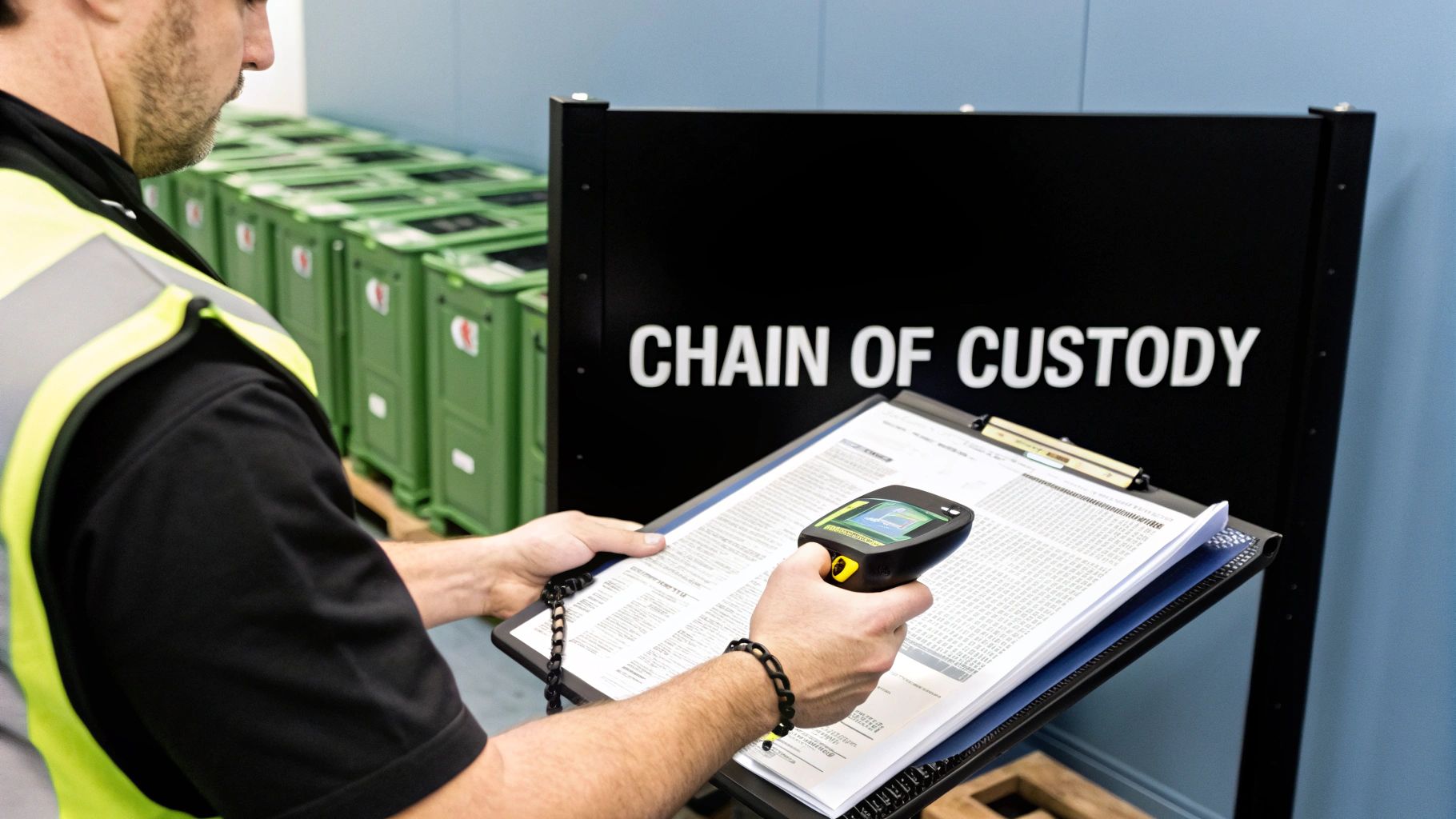
The foundation of any professional ITAD service is the chain of custody. This is the unbroken, documented trail that meticulously tracks your assets from the moment they leave your facility to their final disposition. It is the auditable record—both physical and digital—that proves where your equipment was, who handled it, and how its data was destroyed.
A robust chain of custody is your primary defense in an audit or legal challenge. It effectively transfers the liability for data security and environmental compliance from your organization to your certified ITAD partner.
A proper chain of custody process always includes:
- Serialized Asset Lists: A detailed inventory listing the make, model, and serial number of every asset collected.
- Secure Logistics: Documented procedures for secure packing, transport in locked vehicles, and handling within access-controlled facilities.
- Certificates of Destruction and Recycling: These are the official, legally defensible documents that certify data was destroyed according to recognized standards and that the physical hardware was recycled in compliance with environmental laws.
This documentation is essential. It provides the concrete proof required to satisfy auditors and demonstrate compliance with regulations like the FTC Disposal Rule, HIPAA, and GLBA. For a comprehensive overview of this critical business function, our guide on what is IT asset disposition details how these processes work together to protect your organization. When you partner with a certified ITAD vendor, you are not just erasing hard drives; you are implementing a comprehensive risk management strategy.
Common Questions About Erasing Hard Drives for Businesses
Even with a robust ITAD policy, specific questions often arise during implementation. Obtaining accurate answers is key to ensuring your team handles every device correctly and maintains your company's security and compliance posture.
Here are some of the most frequent questions from businesses regarding hard drive erasure, along with the professional, authoritative answers you need.
What Is the Real Difference Between a Quick Format and a Secure Wipe?
This is a critical distinction that all IT managers must understand. A quick format is dangerously misleading. It only deletes the file index—akin to removing the table of contents from a book. The actual content (your data) remains on the drive and can be easily recovered using commercially available software.
A secure wipe, in contrast, is a comprehensive data destruction process. It methodically overwrites every sector of the drive with random data, often in multiple passes, following strict standards like NIST 800-88. This process completely obliterates the original information, making recovery impossible. For any business device that has stored company data, a secure wipe is the only acceptable software-based method.
How Does Erasing an SSD Differ from a Traditional HDD?
The method used to erase a drive depends entirely on its technology. Solid-State Drives (SSDs) and traditional Hard Disk Drives (HDDs) are built differently and require different sanitization techniques.
- HDDs (Hard Disk Drives): These drives use spinning magnetic platters. A secure software wipe that overwrites the data is highly effective. Degaussing, which uses a powerful magnet to disrupt the magnetic field, is also an extremely reliable method for HDDs.
- SSDs (Solid-State Drives): These use flash memory chips. Standard overwrite software can be unreliable on SSDs due to features like wear-leveling, which distributes data across memory cells to extend the drive's life. This can leave recoverable data fragments in areas the software might miss.
For SSDs, the most reliable software method is to use the drive's built-in ATA Secure Erase command. This instructs the drive's firmware to reset all memory cells to a clean state. For SSDs containing highly sensitive data, however, physical destruction (shredding) is often the safest and most certain method of data elimination.
Is It Safe to Erase Hard Drives In-House?
While it is technically possible, managing data destruction in-house presents significant risks for most businesses. The process requires specialized, validated software, trained personnel, and a meticulous record-keeping system to document every action.
The most significant vulnerability with in-house wiping is the lack of a third-party audit trail. Without certified documentation from a qualified ITAD vendor, your business has no legally defensible proof that data was properly destroyed. This leaves you exposed in the event of an audit or a data breach investigation.
What Documentation Do We Absolutely Need for Compliance?
To demonstrate compliance with regulations such as the FTC Disposal Rule, HIPAA, or GLBA, an internal spreadsheet is insufficient. A certified ITAD partner provides the official, legally defensible documentation necessary to be audit-ready.
This documentation package must include:
- A complete Chain of Custody record that tracks every asset from your facility to its final disposition.
- A Certificate of Data Destruction for every drive, detailing its serial number, the erasure method used (e.g., NIST 800-88 Purge), and the date of destruction.
- A Certificate of Recycling confirming that the physical hardware was disposed of in an environmentally responsible manner.
This documentation formally transfers liability from your business to your certified partner, providing the concrete proof required to satisfy any compliance auditor.
Navigating data destruction regulations can be complex, but it is essential for protecting your business. At Beyond Surplus, we provide certified, auditable data erasure and physical destruction services that guarantee your sensitive corporate information is managed securely and responsibly. For professional IT asset disposal that provides complete peace of mind, contact us today.