Most advice about office relocation companies treats the move like a furniture problem. For IT managers, that’s the wrong frame. An office move is an asset control event, a data security event, and often an IT asset disposition event at the same time.
That matters because the weakest point in many moves isn’t the truck. It’s the handoff. The old firewall in a closet, the retired laptops tagged for “later,” the storage array nobody owns after cutover, the copier hard drives that leave with general movers. Standard office relocation companies can handle desks and cartons. Many can’t prove chain of custody for devices that still contain regulated data.
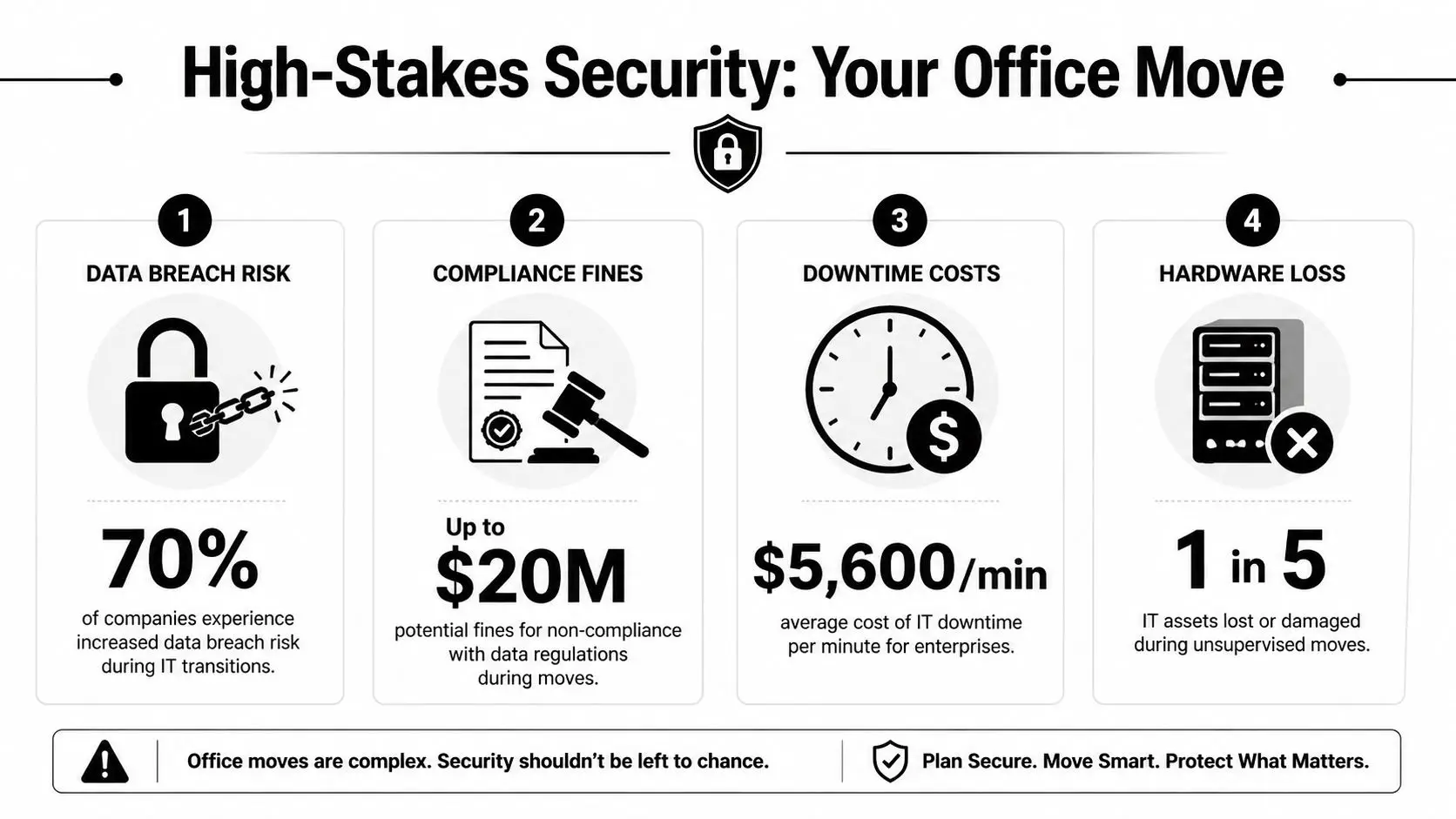
Why Your Office Move Is a High-Stakes Security Project
Most companies start with floor plans, furniture, and packing labels. IT should start with control of data-bearing assets.
That gap is bigger than many teams realize. A 2025 Gartner data point cited by Networking Ocala’s office relocation services overview says 68% of office relocations involve IT refresh cycles, and 42% of enterprises face non-compliance fines averaging $250K due to improper asset disposal. That’s the risk standard move plans usually miss.
What office relocation companies often overlook
A move creates three separate technology streams:
- Assets that must stay in production
- Assets that will be relocated but reconfigured
- Assets that should never enter the new office
That third category is where careers get damaged. If surplus servers, endpoint devices, drives, printers, and lab systems aren’t routed into a documented disposition process, they tend to drift into unsecured storage, informal resale, or untracked transport.
Practical rule: If a device won’t be reinstalled, it needs a disposition decision before move day, not after.
General move guidance still has value. Operational advice like these tips for efficient office relocation helps teams think through sequencing and downtime control. But IT managers need an added layer that covers data destruction standards, evidence, and liability transfer.
The real success metric
A successful move isn’t “nothing broke.” It’s this:
- every asset was inventoried,
- every data-bearing device had a documented path,
- every handoff had an owner,
- and every retired asset followed a standard such as NIST SP 800-88 media sanitization guidance.
If your mover can’t speak clearly about sanitization, chain of custody, and post-move surplus handling, you’re not buying a complete office move. You’re buying transportation with a blind spot.
The Pre-Move IT Asset Master Plan
Strong moves start long before crates arrive. The useful planning model for IT-heavy relocations is a three-phase structure described in WDG Consulting’s relocation methodology reference: Discovery and Definition, Feasibility, and Location Selection. For IT managers, that framework keeps the move tied to business outcomes instead of turning into a rushed hardware shuffle.
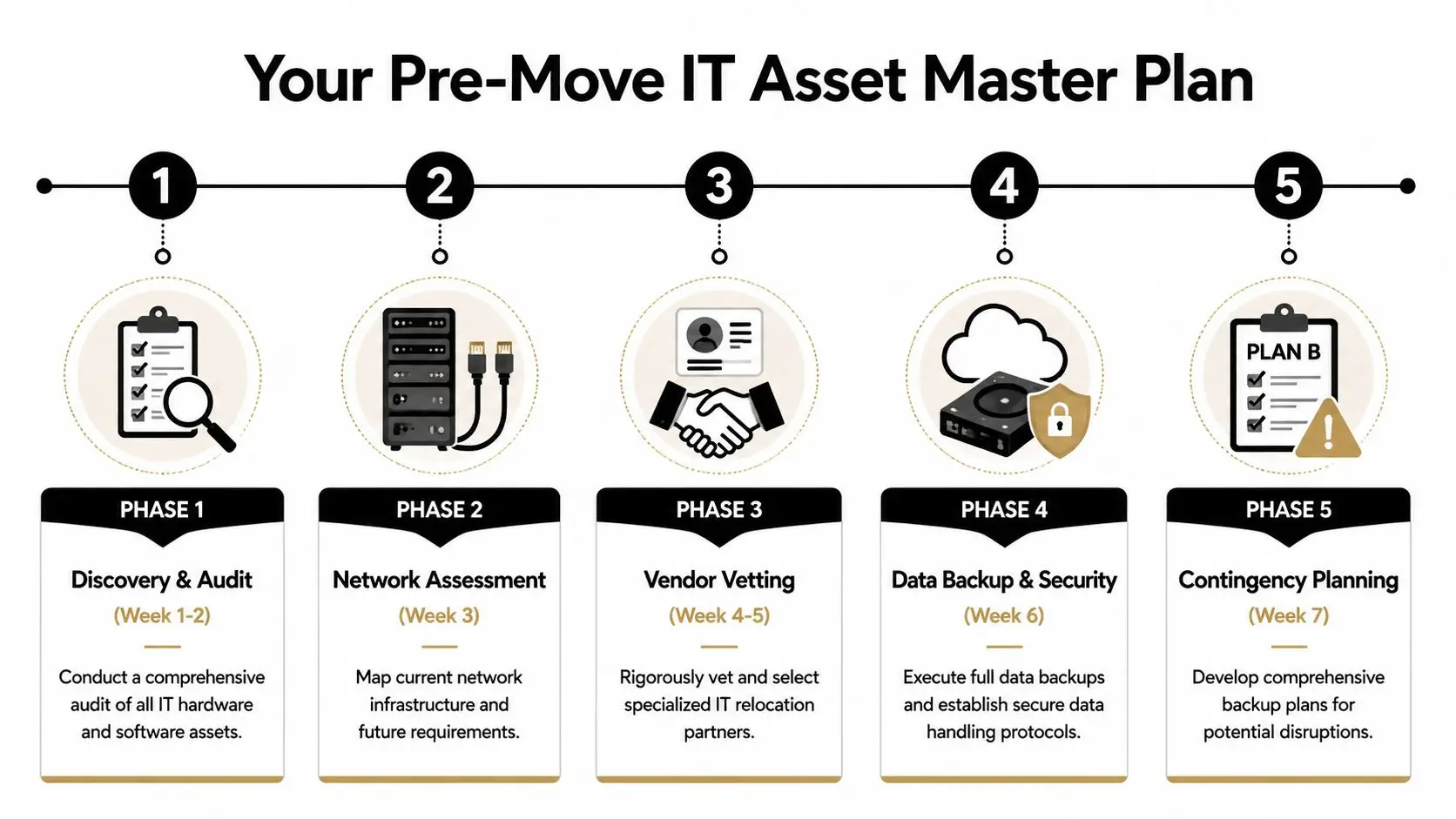
Discovery starts with a real asset audit
Don’t rely on procurement records alone. Build a move inventory from what’s physically present.
Include:
- User devices such as laptops, docks, monitors, mobile workstations, test gear
- Infrastructure including switches, firewalls, UPS units, APs, racks, patch panels
- Hidden storage points such as copiers, MFPs, badge systems, conference room appliances
- Surplus equipment sitting in storage rooms, under desks, or in staging cages
Tag each item into one of four buckets:
- Move and reconnect
- Move and hold
- Sanitize and redeploy
- Destroy or recycle
This is also when backup and migration decisions get locked down. Small details matter. If your team is doing endpoint replacement during the move, outside examples like an Edmonton data transfer service are a reminder that device swaps and user-data continuity need explicit workflow ownership.
Feasibility means more than move cost
The old mistake is comparing mover quotes without comparing technical risk.
Review:
- Downtime tolerance by system
- Who disconnects and who reconnects
- Which platforms require vendor support
- What gets wiped before transport
- Which assets should bypass the move entirely
Moves fail when teams ask “How do we transport this?” before they ask “Should this asset still exist after the move?”
A practical master plan also needs named stakeholders. IT owns technology decisions, but legal, compliance, facilities, HR, procurement, and business unit leaders all touch the move. If nobody owns retired equipment, retired equipment becomes your next incident.
Build the lifecycle view before the relocation view
An office move is one chapter in the broader IT asset lifecycle management process. Treat it that way. Every asset should already have a destination state before relocation weekend.
Use a short pre-move control sheet for each high-risk asset class:
| Asset class | Decision needed | Required evidence |
|---|---|---|
| Laptops | Reuse, redeploy, or retire | User assignment and sanitization record |
| Servers | Reinstall, migrate, or decommission | De-install log and custody trail |
| Drives | Wipe or shred | Destruction or sanitization certificate |
| Printers and copiers | Move or retire | Storage media handling confirmation |
Teams that do this early avoid the familiar last-week scramble where old equipment piles up in hallways and everyone assumes someone else has it covered.
Vetting Relocation Companies for IT and Security Expertise
The office relocation market is broad and uneven. According to Fact.MR’s office relocation services market report, the top 5 companies hold only 12% of the market share, which tells you the field is highly fragmented. In practice, that means two companies may both call themselves office relocation companies while offering very different capability levels for technology handling.

What separates a true IT-capable mover
A credible partner should be able to answer specific questions without hand-waving.
Ask for:
- Documented chain-of-custody procedures for data-bearing assets
- Escalation paths if a serialized item is missing at pickup or delivery
- Packaging standards for servers, storage, and network gear
- Defined separation between transport work and data destruction work
- Proof of downstream recycling and destruction controls if they outsource disposal
If they say, “We move computers all the time,” keep digging. Handling a monitor isn’t the same as handling regulated media.
Signs you’re talking to a generalist
Generalists usually sound capable until you ask about evidence.
Watch for answers like:
- “We can wipe drives if needed.”
- “Our team labels everything.”
- “We’ll dispose of old equipment for you.”
- “We haven’t had issues before.”
Those aren’t controls. Those are assumptions.
Ask every bidder to walk you through one failed handoff scenario. The serious vendors will describe the incident path, notification path, and documentation path.
The due diligence file you actually need
Your review should include legal and operational checks, not just references. A practical shortlist should include movers and specialist ITAD partners who can each prove their role.
Review the same categories you’d expect in a formal vendor due diligence checklist:
| Review area | What to verify |
|---|---|
| Process control | Serialized tracking, sign-off workflow, exception handling |
| Security | Access restrictions, custody logs, background-screened crews if required |
| Insurance and liability | Clear responsibility for damage, loss, and subcontracted work |
| Disposition capability | Certified wiping, shredding, recycling documentation |
| Coordination model | Named PM, cutover communication, after-hours support |
One provider may handle transport well. Another may handle de-installation and media destruction well. That split isn’t a problem if the handoff is designed. It becomes a problem when nobody owns it.
Building Your Definitive IT Relocation RFP
Generic RFPs produce generic proposals. If you ask office relocation companies for “packing, transport, and setup,” they’ll reply with exactly that and leave the riskiest technology questions unanswered.
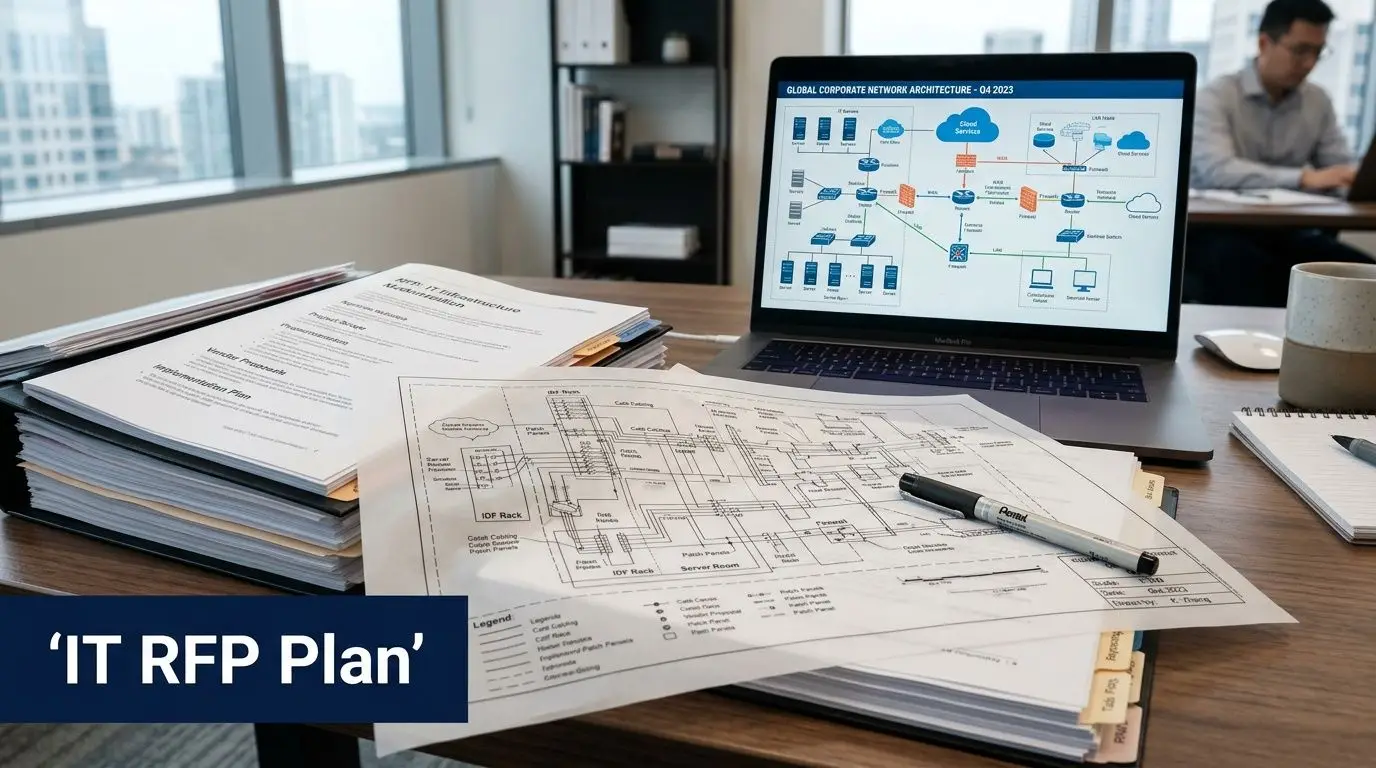
Your RFP needs a real scope definition
If a bidder doesn’t know where their responsibility starts and stops, you’ll pay for the ambiguity later. Construction teams call this scope clarity. The same idea applies here, and Templeton Built explains SOW in a way that translates well to relocation contracts.
Use direct language in your RFP. Require bidders to respond line by line.
Questions that force useful answers
Put these into the response template.
Asset control
- Describe how you track serialized IT assets from disconnect through delivery.
- Identify where custody changes hands between your team, our staff, and any subcontractor.
- State how exceptions are documented if item counts don’t match.
Data-bearing equipment
- Identify which devices in your process are treated as data-bearing by default.
- Describe whether sanitization is handled by your company or a separate ITAD vendor.
- Explain how you prevent retired devices from being mixed with move-and-reconnect inventory.
De-installation and reconnection
- State who disconnects racks, network gear, UPS units, and telecom equipment.
- Identify tasks that require manufacturer, MSP, or internal IT support.
- Describe your labeling standard for patching, ports, and cabinet positions.
Documentation and liability
- Provide sample chain-of-custody records.
- Provide sample recycling and data-destruction certificates.
- Describe how liability transfers after destruction or recycling is complete.
The best RFP question is the one that makes bluffing difficult.
Non-negotiable attachments
Require bidders to include:
- Project organization chart
- Escalation list for move weekend
- Sample asset manifest
- Sample exception report
- Subcontractor disclosure
- Disposition workflow for retired equipment
For the asset-disposition side, give vendors a required template for the final evidence package, such as a destruction certificate template. If they can’t map their process to the documentation you need, they’re not ready for a compliance-sensitive move.
One practical inclusion most teams miss
Your RFP should ask one simple operational question: What happens to surplus IT discovered during packing?
That’s where many office relocation companies freeze. Real projects always uncover forgotten switches, spare drives, staging laptops, old WAPs, and decommissioned desktops. Your RFP should force the vendor to specify whether those items are quarantined, inventoried, returned to IT control, or routed to a designated ITAD provider. One option in that workflow can be a specialist such as Beyond Surplus, which handles pickups, data destruction, recycling documentation, and logistics coordination for retired business IT assets.
If that path isn’t written down, your “miscellaneous electronics” pile becomes the least controlled part of the move.
Negotiating Scope and Cost to Mitigate Risk
The lowest quote often leaves out the work that protects you. That’s why office relocation companies can look comparable on price while being far apart on risk.
A major example comes from Stomo Storage’s office relocation planning article, which states that underestimating IT equipment handling can result in up to 40% of moved IT and copier equipment being damaged or requiring replacement. Cheap handling gets expensive quickly.
Read the exclusions before the totals
Most bad contracts fail in the exclusions list, not the cover page. Review every proposal for what the mover is not accepting responsibility for.
Pay close attention to:
- disconnect and reconnect work
- third-party coordination
- packing standards for servers and storage
- after-hours support
- liability for mislabeled or untagged assets
- responsibility for retired equipment left on site
If the quote says “client to prepare all electronics,” then the mover has just priced out most of your actual risk.
What to negotiate into the agreement
Don’t negotiate only on price. Negotiate on control points.
A stronger agreement usually includes:
- Named technical leads on both sides
- Separate inventory treatment for production, hold, and retirement assets
- Anti-static and shock-appropriate packing methods where applicable
- Written handoff procedures at origin and destination
- Defined service windows for critical-system restoration
- Exception reporting requirements before the crew leaves either site
A contract should answer, in writing, what happens when one switch, one drive, or one box goes missing.
Cost trade-offs that are worth making
Some add-ons look expensive until you compare them with recovery effort and audit exposure.
Worth paying for when risk is high:
- weekend or phased execution if it reduces business interruption
- specialist de-installation for racks and network gear
- separate secure transport for data-bearing assets
- documented destruction for retired media
- post-move validation support for critical rooms
Cutting these items may lower the bid. It also pushes more responsibility back to your internal team without lowering your exposure.
The Ultimate IT Move-Day Execution Checklist
Move day is controlled by sequence. If teams improvise, they lose custody, labeling accuracy, and recovery time.
Use one working checklist with a live owner for every task. Keep it visible to IT, facilities, the mover, and any specialist vendor. Don’t run the day off scattered chats and verbal updates.
Before shutdown
Start with the items that are hardest to recover from if missed.
- Confirm final backups: Verify completion and confirm restore paths.
- Freeze changes: Pause nonessential production changes and update windows.
- Print critical contact lists: Don’t depend on a network resource that may be offline.
- Photograph rack layouts: Capture cable state, labels, uplinks, and device positions.
- Separate retired assets: Move them into a clearly marked quarantine area.
During packing and transit
Custody usually gets fuzzy. Keep the chain tight.
If a serialized asset leaves a room without being checked against a manifest, treat it as an exception immediately.
Focus on:
- escorting crews in data-sensitive spaces
- verifying labels as items are packed
- checking counts at dock exit
- logging any damage before transit
- preventing loose peripherals from being merged into mixed cartons
At the new location
Prioritize infrastructure before user convenience.
- Power and environmental readiness
- Core network and internet circuits
- Firewall, switching, and wireless
- Server and storage dependencies
- Priority user groups and shared devices
- Remaining endpoints and conference spaces
IT Relocation Execution Checklist
| Phase | Task | Status | Owner | Notes |
|---|---|---|---|---|
| Pre-move | Confirm backups and restore access | |||
| Pre-move | Export current configs and documentation | |||
| Pre-move | Isolate retirement inventory from move inventory | |||
| Shutdown | Power down noncritical endpoints | |||
| Shutdown | De-install network and server equipment in sequence | |||
| Packing | Match serials to manifest before loading | |||
| Transit | Confirm sealed or controlled transport where required | |||
| Arrival | Reconcile received counts against manifest | |||
| Reinstall | Bring up core network and security stack | |||
| Reinstall | Validate business-critical applications | |||
| Post-arrival | Document exceptions, damage, and missing items | |||
| Post-arrival | Release retired equipment only to approved disposition stream |
A simple checklist beats a complex plan nobody follows. Print it. Mark it live. Escalate exceptions fast.
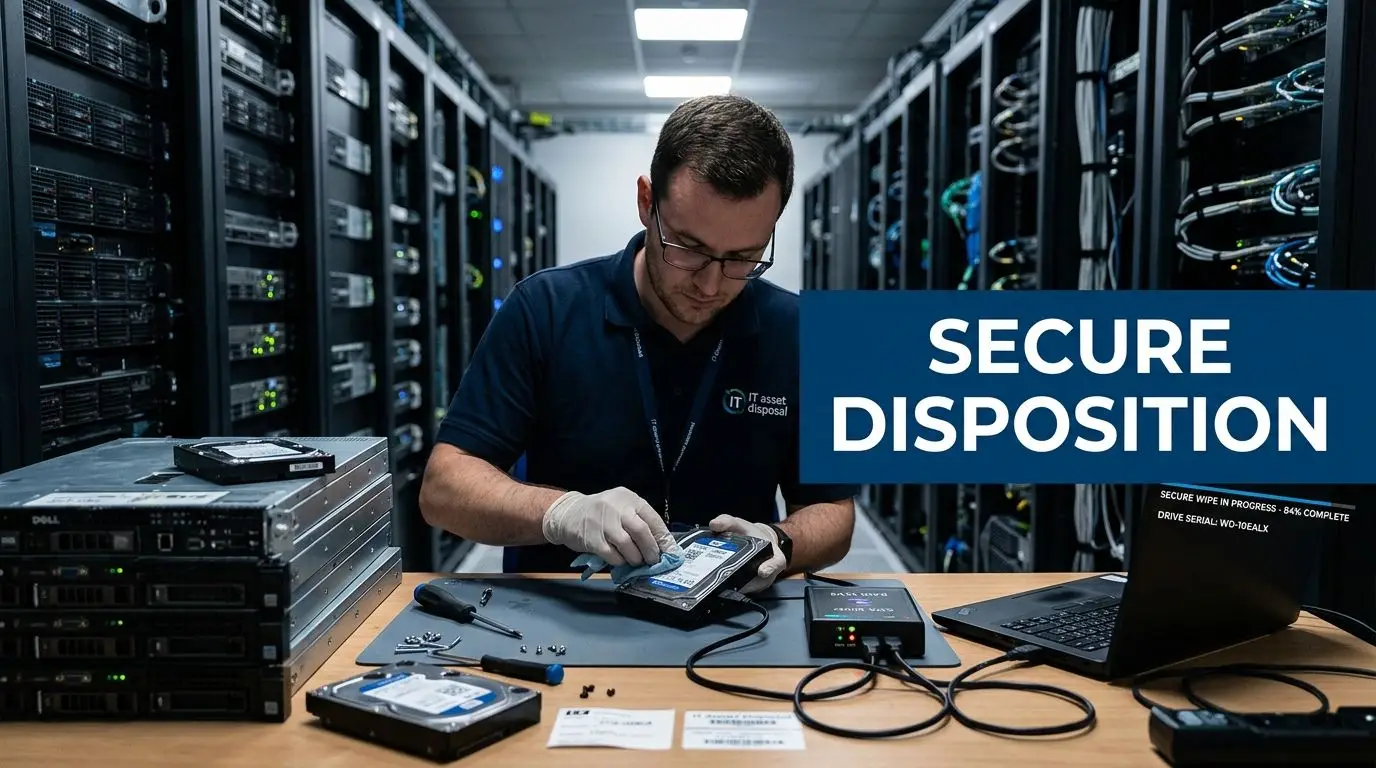
Post-Move Validation and Secure Asset Disposition
The office isn’t “done” when monitors light up. You still need to prove two things. First, systems are functioning as intended. Second, retired assets are no longer a liability.
Validate operations before you close the project
Run a structured check, not a casual walk-through.
Confirm:
- line-of-business application access
- print and scan functions
- conference room systems
- badge and physical security integrations
- wireless coverage in active work areas
- rack health, alerts, and environmental status
Document exceptions while the move vendors are still engaged. Once crews demobilize, unresolved issues tend to become internal cleanup work.
Close the loop on retired equipment
Self-managed cleanup creates hidden exposure. The Undergrads labor-only office relocation article cites a 2026 Ponemon Institute finding that 51% of self-coordinated moves result in data exposure from unmonitored equipment transit. That’s the problem with “we’ll deal with the old hardware later.”
Retired devices need a formal path:
- collection in a controlled area
- manifest reconciliation
- sanitization or shredding decision
- recycling or remarketing workflow
- final certificates that transfer liability
If your team needs a plain-language refresher on the process, use this overview of what IT asset disposition means. The key point is simple. Moved assets and retired assets need different controls, different evidence, and usually different vendors.
The move ends when every asset has a verified operating state or a verified end-of-life record.
That’s the standard that protects your environment and your reputation.
If you’re planning an office move and need a documented path for retired laptops, servers, drives, network gear, or mixed surplus electronics, contact Beyond Surplus. They provide business IT asset disposition, secure data destruction, electronics recycling, and pickup logistics that help organizations keep asset control intact during relocation.